Documents
Using TrialDirector 360 EVIDENCE, you can manage the many documents circulating in a case.
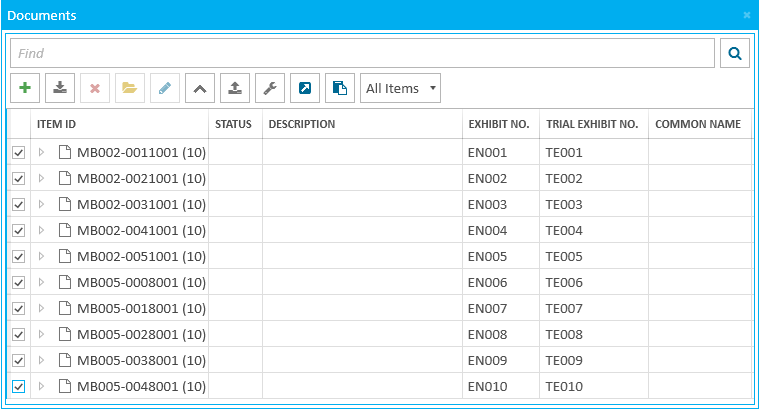
Documents Explorer
The Documents Explorer allows you to add, rearrange, rename, and generally manage documents in the case. From the explorer, you can open documents in the Documents Work Area.
Pressing F2 after selecting a cell in the explorer will allow you to edit the information.
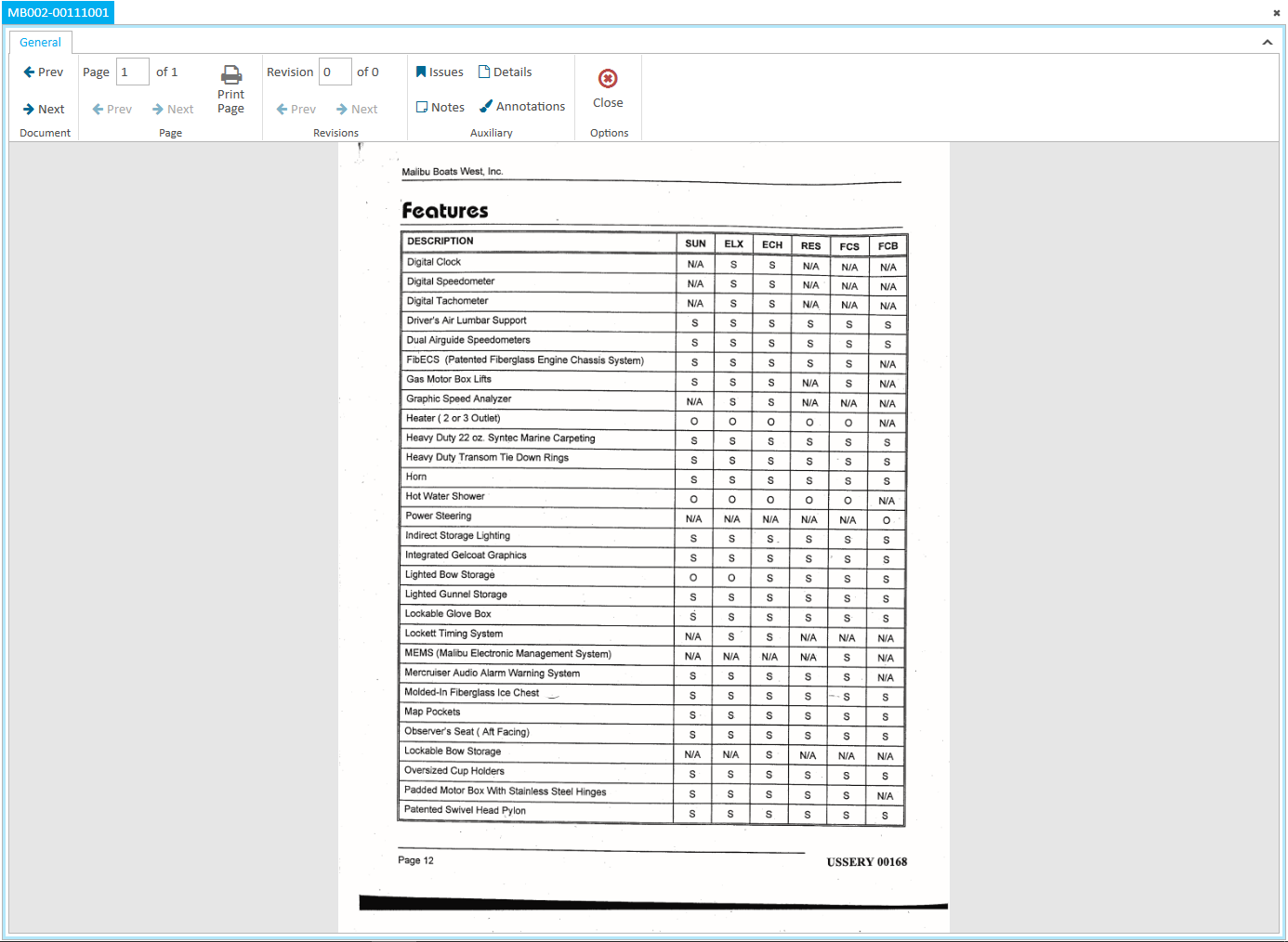
Document Work Area
The Documents Work Area allows you to work with a specific document, applying markups and redactions as well as performing other tasks like deskewing scanned images and saving the document to another location.
For more information on these and other tools, view the following articles:
Understand the Add Documents Dialog
Change the Details or Properties of a Document
Use Document Explorer Right-Click Context Menu
Work with the Document Work Area Ribbon Bar