Apply Issues to a Document
You can apply an issue type to a document using the Issues Applicator.
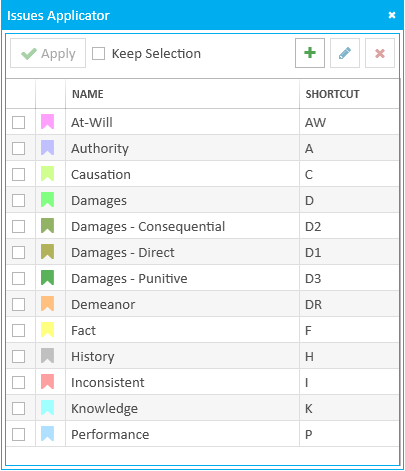
To apply an issue type to a document, open a document in a case and follow the steps below:
-
Click the Issues button in the ribbon bar.
-
Select an issue type in the applicator.
-
Apply the selected issue type.

The Issues Applicator appears.
You can select an issue type to be applied by checking the box next to the issue type with the mouse.


|
Note: Issue type shortcut keys are not available when applying issue types to documents. |
With the issue type selected, you can move on to the next step.

You can see issue types applied to a document in the document's Details panel. For more information, see the article titled Change Details or Properties of a Document in the online Help.
|
|
Note: The Issue Applicator contains a Keep Selection checkbox. |