Open a Document
Once you've added documents to a case, they are visible in the Documents Explorer.
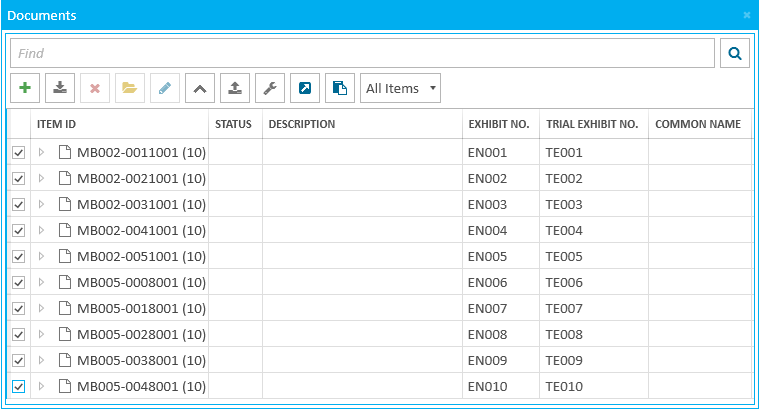
To open a document and review it in the Document Work Area, select the document you want in the Documents Explorer and either double click on it or click the Open Item button in the explorer ribbon bar.
