Reports
Reports provide detailed information on the different aspects of a case.
Reports Explorer
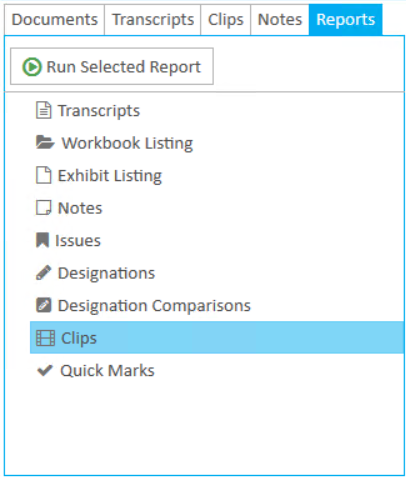
The Reports Explorer shows all of the available reports that can be executed. To run a report, select the report from the list you want to execute and clicks the Run button.

The corresponding report wizard appears for you to select the options you want for the report.
Reports Work Area
Once you select the options you want in the report wizard and previews the report, the report appears in the Reports Work Area. Here, you can save or print the report.
View the articles below for more information about each report:
Create a Workbook Listing Report