PRESENT
TrialDirector 360 PRESENT is used to display the items in a case on any supported screen in professional and engaging ways.
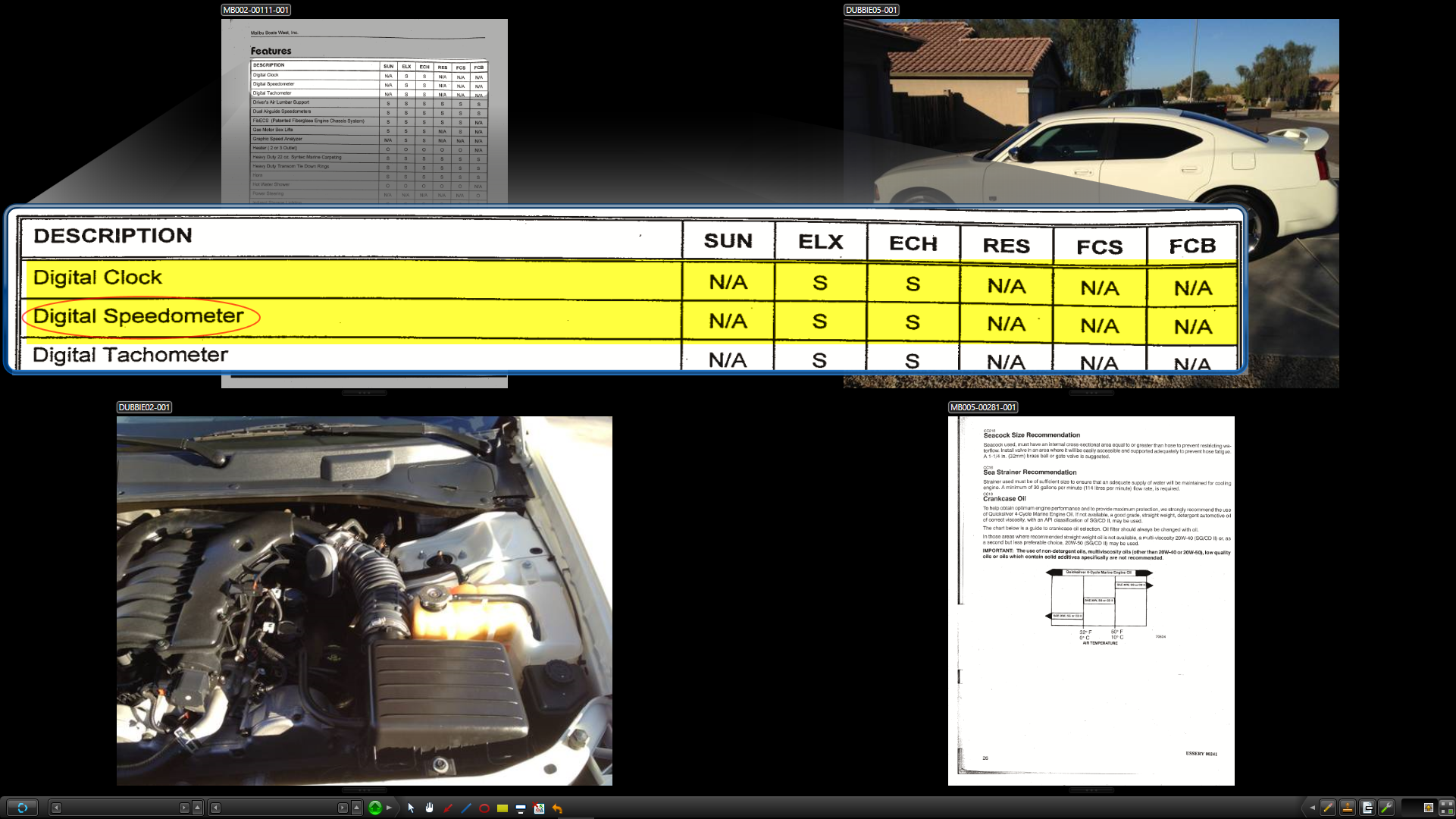
Presentation options include:
-
Displaying several items on the screen at once
-
Playing back synchronized transcript and video
-
Preparing an item in Presentation Preview before displaying it on the main screen
-
Calling up items on demand for dynamic and adaptive presentations
TrialDirector 360 PRESENT is a powerful and versatile tool that puts you in control of the courtroom.
Opening a case in PRESENT provides access to display any items included in the case.
Dual vs Single Monitor
The way the presentation window appears depends on the display settings selected in PRESENT User Preferences. It is best to work with PRESENT in dual monitor mode for all the options of working with case items to be available. However, it is also possible to use PRESENT on a single monitor, though all the preview options before presenting items in a case will not be usable.
The user assistance articles below mostly cover how to use PRESENT within a dual monitor display.
For more information on how to navigate and use TrialDirector 360 PRESENT, view the following articles in the online Help:
Open a Case in TrialDirector 360 PRESENT
Change PRESENT User Preferences
Create a Case without TrialDirector 360 EVIDENCE
Control the Presentation Display
Use Annotations in Presentation