Issues
TrialDirector 360 EVIDENCE allows you to organize and manage your case by issue as well as provide the testimony or documents that support each issue. This organization is a key component of trial preparation.
Issues Explorer
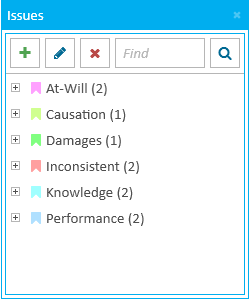
Within the Issues Explorer, you can view and manage all the issues and sub-issues of the case. Only issue types with references in a transcript appear in the explorer. The explorer allows you to add, edit, or remove issue types, as well as search for specific types or references applied to the entire case.
Issues Applicator
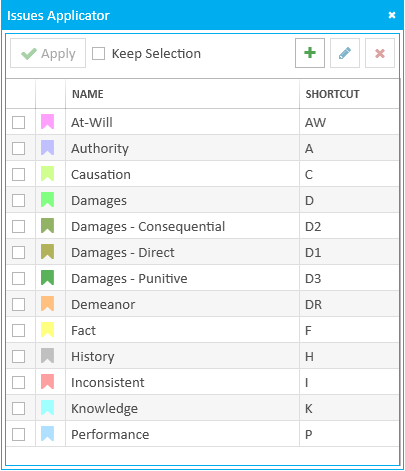
The Issues Applicator allows you to apply issue types to selected text within a transcript. You may also add, edit, or remove issue types using the applicator. The applicator shows all of the issue types available within the case.
View the following articles for more information:
Remove an Issue Type from a Case