Clips
Using TrialDirector 360EVIDENCE, you can manage the clips a case.
Clips Explorer
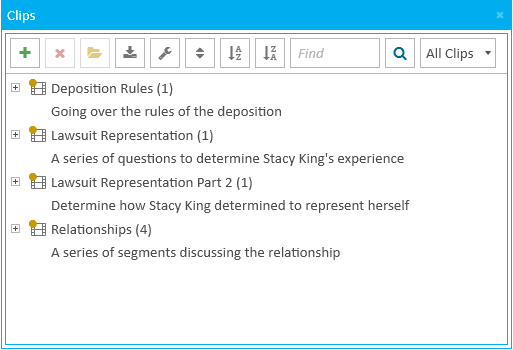
The Clips Explorer allows you to manage the clips in a case. You can also open a specific clip in the Clips Work Area to manage the segments within the clip.
Clip Work Area
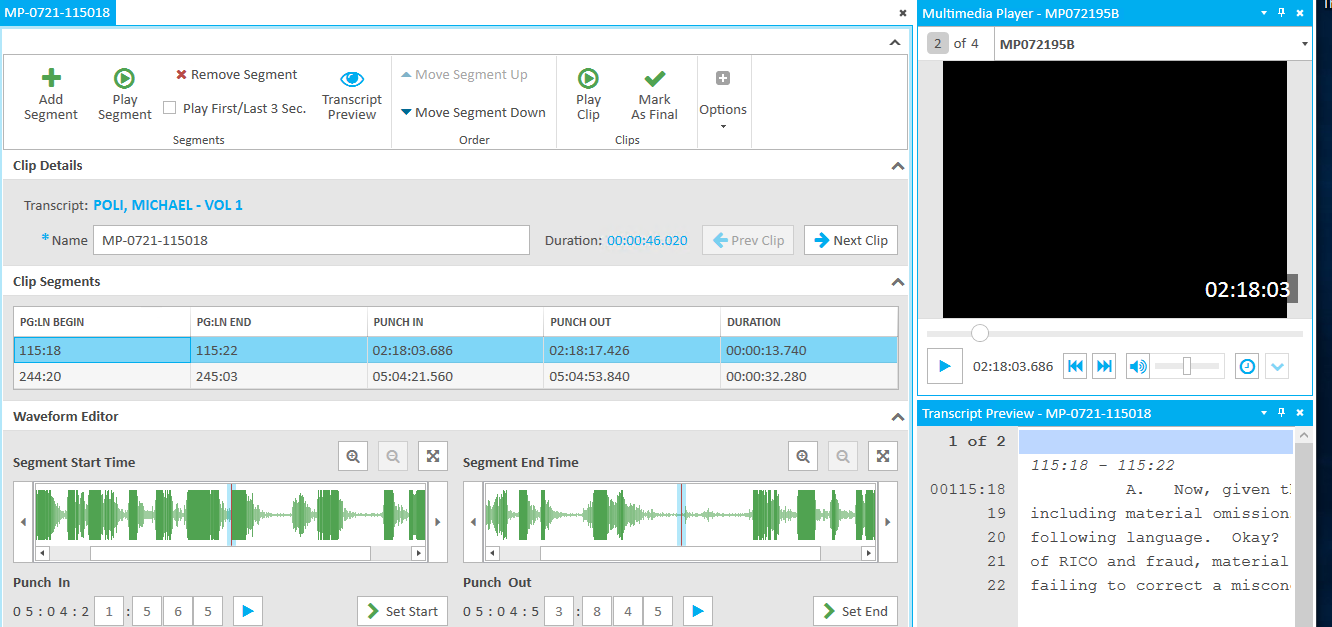
The Clips Work Area allows you to work with a specific clip, adding, adjusting, or removing segments, as well as marking a clip as final.
For more information on these and other tools, view the following articles: