Create Presentation Clip
To create a presentation clip with a transcript open use the following steps:
-
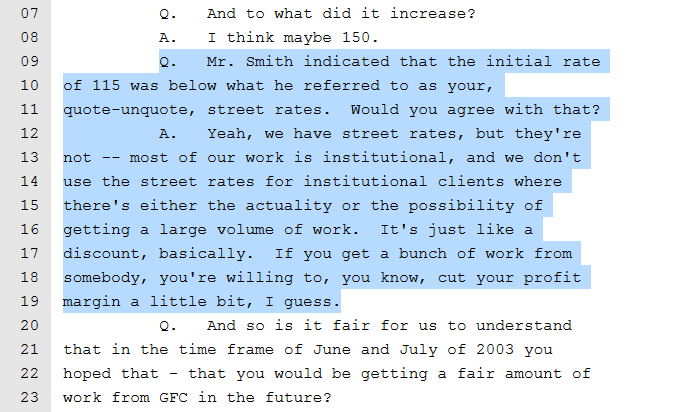
Select text within the transcript in the Transcript Work Area.
-
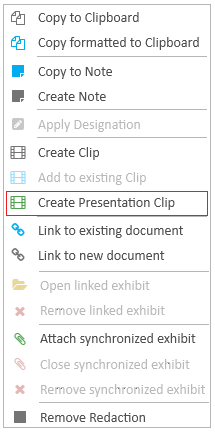
Right click on the selected text.
-
Click the Create Presentation Clip button.
With a transcript open in the Transcript Work Area, select the text you want to create a presentation clip.
The right-click context menu appears.

|
Note: PRESENT needs to be installed and be running for the document or page to be presented. |