Edit a Script
-
To edit a script file from Document Manager or Case Library, open the Tools menu and click Edit Presentation Script File.
-
Select the script file and click Open.
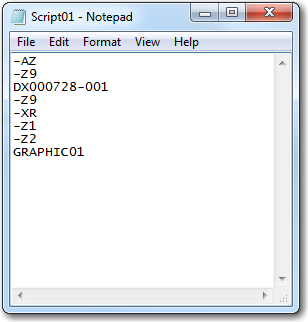
The script file is opened in Windows Notepad, as shown in the figure below.
-
Make the desired changes and save the modified script file.