Archive a Case
After you are finished working on a case, you can archive the case, which stores the case data without deleting it completely.
To archive a case, follow the steps below:
-
Select a case from the Cases table on the CASE MANAGER Start Page.
-
With the case selected, click the Archive Case button.
-
Start Page
-
Case History
-
Click Yes in the confirmation dialog.
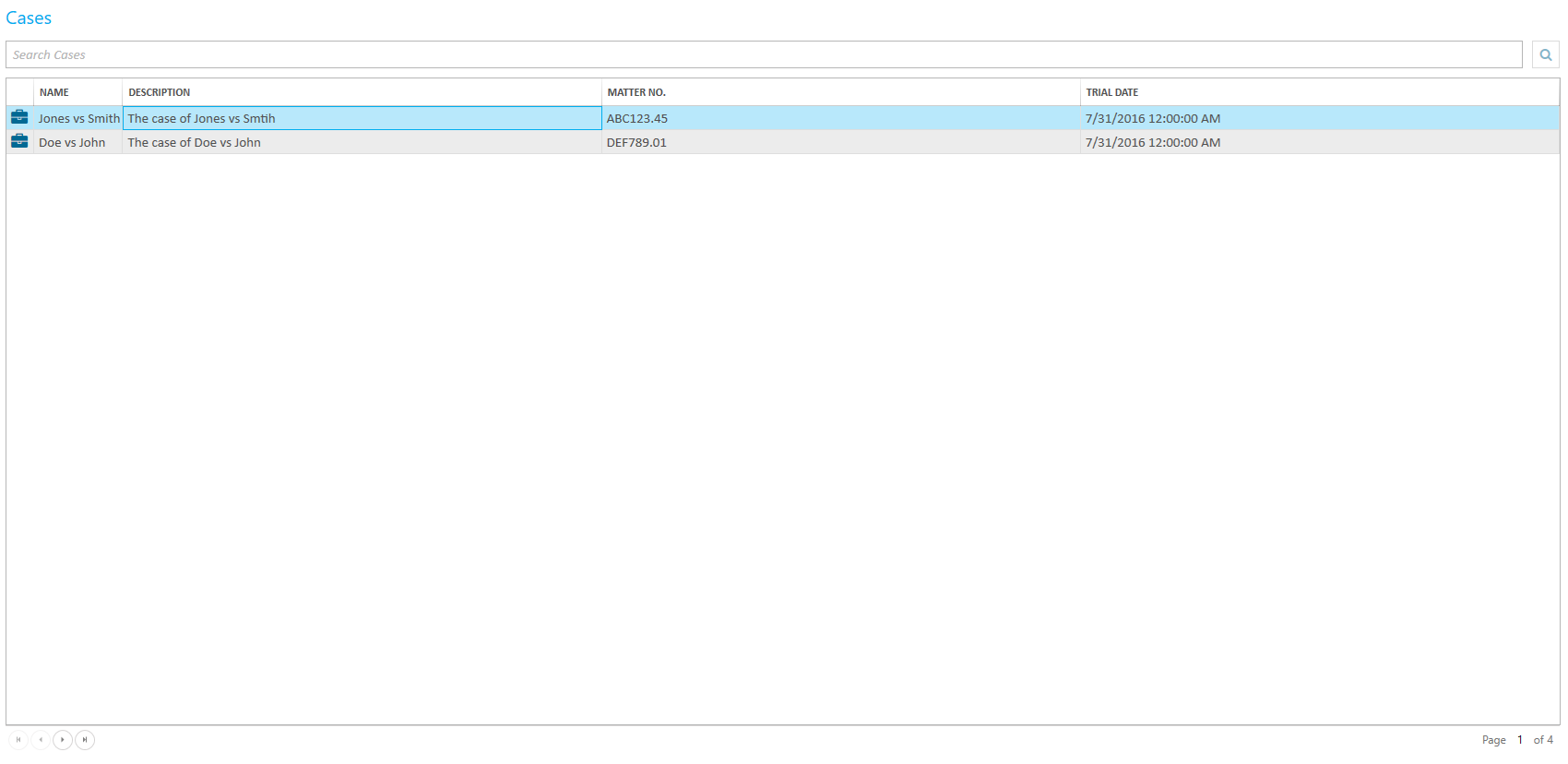
You can access the Archive Case button from the following areas:
The case is archived.
From here, you will only be able to view the record of the case in Case History.

|
Note: To un-archive a case, call Ipro support. |